How to Use Google Keyword Planner: Complete 2026 Guide

Ishant
Published : April 26, 2023 at 10:14 am
Updated : September 11, 2026 at 7:26 am
Ishant

Summarize this blog post with:
Keywords play a vital role in driving organic traffic to your website. Keyword planner tools are here to help you with keyword research. This article describes how to use Google Ads Keyword Planner Tool and how to use it for keyword research without setting up an ad campaign.
We can use Google Ads Keyword Planner Tool to improve SEO performance without setting up a campaign. And it’s completely free. We don’t need to invest money in a subscription.
In general, there are some best practices you can follow when choosing keywords. Highly competitive ones will take longer, while less competitive ones may rank faster. This will balance fast and slow traffic.
I used Google Ads Keyword Planner (formerly Google Keyword Tool) to increase my website’s organic traffic to 360,408 visits per month. As an ecommerce ppc agency owner and PPC expert, I use keyword planner tools daily because finding the right keywords for a successful campaign.
Here I share the ultimate guide on how to use Google Ads Keyword Planner Tool. Let’s check it out!
What is the Google Keyword Planner Tool?
Keyword Planner is a robust tool that helps you identify new keyword ideas and topics to improve your seo performance. It enables you to research keywords for your search campaigns.
How to use Google Ads Keyword Planner
Step 1: Create a Google Ads account.
- Before you can start using Google Keyword Planner, you need a Google account. You can create it in a minute if you don’t have an account.
- After creating your account, go to the Google Ads homepage and click Get Started Now. Then select the Google account you want to sign in with.
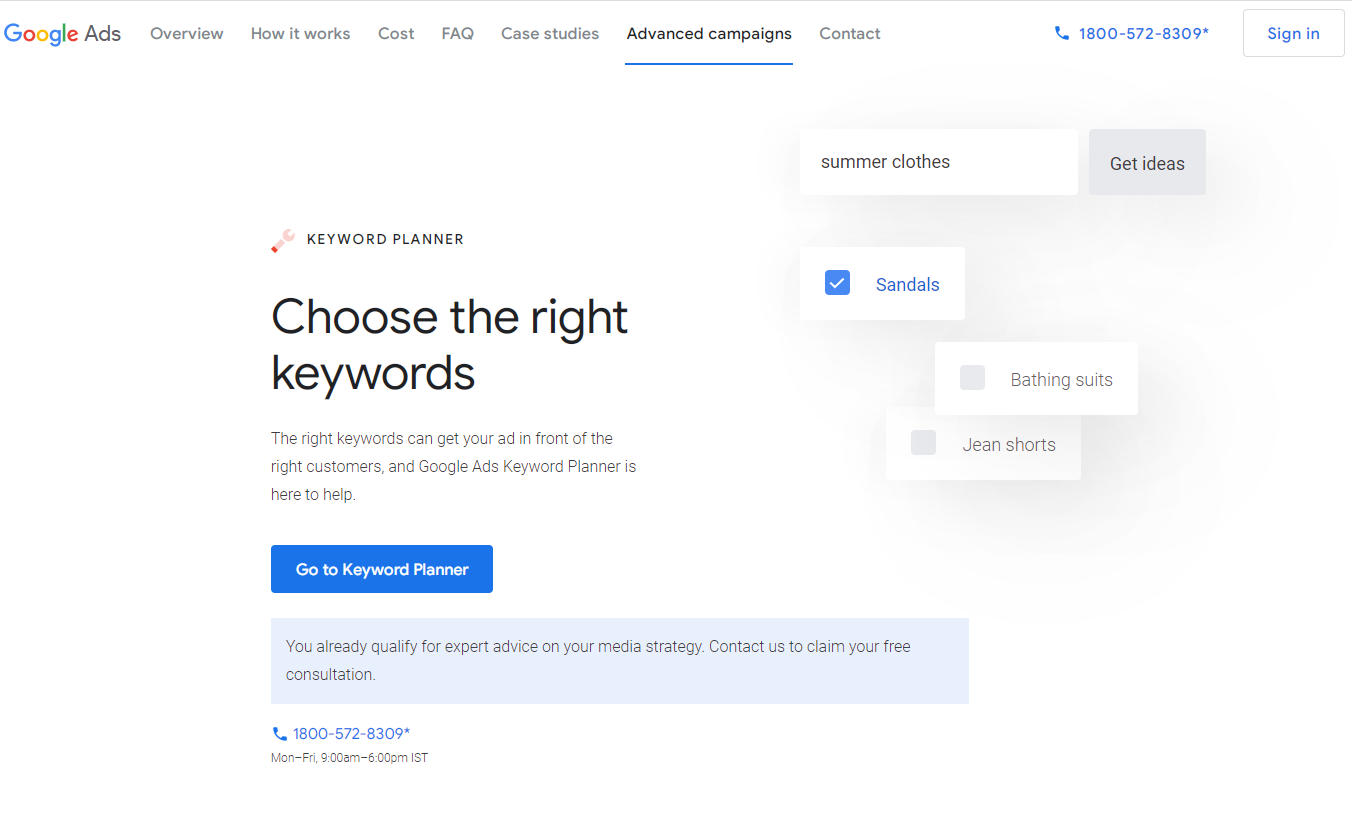
- Once signed in, Google Ads guides you through setting up your account and your first ad. You’ll need to add your credit card information whether or not you want to see ads.
- If you don’t want the ads created during setup to run, you can pause immediately after adding your credit card information and navigating to Ads Settings.
- Remember to pause now. Otherwise, you will be charged when someone clicks on your ad. Google will also write a $50 temporary authorization on your card.
Step 2: Access Google Keyword Planner
To open Google Keyword Planner, click Tools & Settings in the top right. Then select Keyword Planner listed under Planning from the dropdown menu.
Two options are displayed.
Discover New Keywords: This option gives you ideas for new keywords that you can use to increase your website’s traffic.
Get search volume and forecasts: You can use this option to find out the search volume, trends, and future estimates for a list of keywords.
We’ll discuss both options and how to use them in our tutorial. Let’s start with discovering new keywords.
Step 3: Discover New Keywords Option; try it.
- After selection, you’ll see two tabs: Start with keywords and Start with a website.
i) Start With Keywords
- Here, you can enter words (example: “keyword”) or phrases (example: “topic”) to find keywords. Enter up to 10 keywords/phrases. You can also enter a domain to use as a filter. After entering your search terms, tick ????Get Results.
ii) Start from the website
- This option allows you to enter the URL of a website to find keyword ideas. The planner tool uses the website you join as a source and provides search terms.
- You can also check the entire site or specific pages. After entering the URL, tick ????Get Results.
- This option is excellent for seeing your competitors’ actions and finding ideas based on your keywords. Just enter your website URL and check the keywords they are working on.
- Click the Get Results button, and Google Keyword Planner will show results using the URL or keyword you entered and suggest many new keyword ideas.
For each keyword displayed by Google Keyword Planner, the following four metrics are displayed for her.
Keyword Ideas – A list of keywords and phrases is compiled in this section.
Monthly Searches – This shows the range of searches the term gets each month, so you can see which keywords bring the most traffic. (usually labelled as low, medium, or high), but also used as an essential metric to see organic keyword competition.
Bid (low range) – This indicates the lowest price an advertiser will pay for a bid at the top of the page.
Top-of-Page Bid (High Range) – This number indicates the highest amount an advertiser will pay for a top-of-page bid.
Use filters to find new keywords based on the search network, location, time, and language. Just click the item next to your search term in the top bar.
Step 4: Try the Get search volume and forecast option.
- Let’s look at the other keyword search options in step 2 above. Return to the main Keyword Planner screen and click the Get search volume and forecasts title.
- Next, enter keywords or phrases separated by commas in the box and click Start.
- In the left sidebar Forecast link is visible; click it
- For the keywords you enter, Google Keyword Planner will predict total conversions, clicks, impressions (the number of times your ad will be shown if you run an ad), total cost, click-through rate (CTR), and cost. Increase the cost-per-click (CPC) you can expect over the next 30 days.
- Each keyword prediction is divided into individual clicks, impressions, cost, click-through rate (CTR), and average CPC.
- This report does not include keyword suggestions, as it is intended to display information only about the keywords you enter.
- Google Keyword Planner is for advertisers but has great SEO value. It also provides a good starting point for finding keywords for your business. First, it’s 100% free.
- Look up each search query or enter a url to view keywords. Bids and metrics at the competition level are outstanding for analyzing your keywords’ value to other advertisers. It helps you choose transactional keywords that help drive more sales.
Hidden Features in Google Keyword Planner Most Marketers Miss
Most people use Keyword Planner exactly the same way: type in a keyword, see the volume range, move on. That gets you the basic research. The features below are what separate it from a basic lookup tool and turn it into an actual competitive intelligence platform.
- Competitor URL discovery: Instead of entering keywords, enter a competitor URL in the “Start with a website” field. Keyword Planner will generate keyword ideas based on the content of that page. You can see what Google thinks your competitor is targeting, which tells you exactly what keywords you need to build content around.
- Forecasting with custom bids: The Forecasts tab shows projected clicks, impressions, and cost if you ran campaigns targeting specific keywords. Change the bid amount and watch the projections shift in real time. This is how you model campaign budgets before spending a single dollar.
- Seasonal trend data: Hover over any keyword and look for the monthly breakdown chart. It shows search volume fluctuations across 12 months. This matters enormously for seasonal product categories, holiday campaigns, and any business with predictable demand cycles.
- Location filtering for local campaigns: Filter keyword volumes down to a specific city, metro area, or state. This is underused by almost everyone running local Google Ads campaigns. “personal injury lawyer” in Chicago has very different volume and competition than the national average.
- Keyword grouping output: When you generate a keyword list, Keyword Planner organizes results into suggested ad groups automatically. These groupings are a starting point for structuring Google Ads campaigns, not a final answer, but they give you a framework to build from.
How Hustle Marketers Uses Keyword Planner in Real Client Campaigns
Keyword Planner is one tool in a larger research stack. Here is how the team at Hustle Marketers actually uses it across the 2,500+ brands we have worked with over 12 years.
Step 1: Start with the client URL, not keywords. The first Keyword Planner search for any new client is their own website URL. This shows what Google currently associates with their content, which often reveals keyword gaps and misalignments between what the site says and what the client wants to rank for.
Step 2: Run the same for top three competitors. Enter competitor URLs and export the combined keyword lists. Sort by volume descending. The keywords appearing for competitors but not for the client are the gaps that content and paid campaigns need to fill.
Step 3: Use forecasting to set realistic client expectations. Before recommending a budget for any campaign, we run the Forecasts tab for the target keyword list. This produces a projected range of clicks and impressions at different bid levels. It turns budget conversations from guesswork into data-backed projections clients can actually trust.
Step 4: Cross-reference against Semrush and GSC data. Keyword Planner volume ranges are notoriously wide. A “1,000 to 10,000” range is not useful for budget planning. We cross-reference Keyword Planner ideas against Semrush keyword difficulty scores and Google Search Console impression data to narrow the real volume estimate before making campaign decisions.
The combination of Keyword Planner for idea generation and demand modeling, Semrush for difficulty and competitive depth, and GSC for actual site performance data gives a more complete picture than any single tool alone. This three-source approach is standard practice across every client engagement at Hustle Marketers, whether the campaign runs on Google, Meta, or Microsoft Advertising.
The Biggest Limitation of Google Keyword Planner (and How to Work Around It)
The most frustrating thing about Google Keyword Planner is volume ranges. A keyword showing “1,000-10,000 monthly searches” could mean 1,100 searches or 9,800 searches. That is a completely different scale for budget planning and content prioritization. Google intentionally keeps these ranges broad for advertisers not actively spending, and it provides more specific data to accounts with higher monthly spend.
The practical workaround: use Keyword Planner to discover and group keywords, then cross-reference the volume estimates against Semrush or Ahrefs to get a more precise number. Semrush volume data is drawn from a much larger clickstream dataset and gives you a specific monthly search figure rather than a broad band. For SEO planning specifically, Google Search Console gives you the real impression count for keywords your site already has some visibility for, which is more reliable than any third-party estimate.
For PPC planning, the Forecasts tab is more useful than raw volume data anyway. Enter your target keywords, set a bid range, and Google projects clicks, impressions, and spend based on actual auction data for your account and location. This gives you a real budget projection rather than a search volume guess.
How to Access Google Keyword Planner Without Running Active Campaigns
One of the most common questions: can you use Keyword Planner without spending money on Google Ads? Yes, but there is a catch. Google restricts full volume data to accounts that are actively running campaigns. If your Google Ads account has no active spend, you will see broad ranges (1K-10K) instead of specific monthly figures (4,200 searches/month).
To access Keyword Planner with no spend: create a Google Ads account, go through the campaign creation flow, and select “Switch to Expert Mode” before you enter any payment details. Then click “Create a campaign without goals guidance” and pause the campaign immediately after it is created. Your account now has access to the Keyword Planner tool at no cost. You will still see broad volume ranges, but you can use the tool freely for keyword discovery and research without running any ads.
To unlock specific volume figures: run at least one active campaign with any small daily budget. Even $1 to $5 per day of active spend unlocks more precise data in Keyword Planner. Many SEO teams run a minimal branding campaign specifically to get access to the full Keyword Planner data set.
Using Keyword Planner to Build a Negative Keyword List
Most guides talk about using Keyword Planner to find keywords you want to bid on. The underused application is finding keywords you want to exclude from your campaigns.
Enter a broad term related to your product or service into the keyword discovery tool. Review the generated keyword ideas and look for terms that include modifiers indicating the wrong audience: “free,” “DIY,” “how to,” “jobs,” “salary,” “course,” “certification,” “tutorial,” and competitor brand names. These are queries from people who are not ready to buy or who are not your target customer. Add them to your negative keyword list before the campaign launches, not after the budget has been spent on them.
This is one of the highest-ROI uses of Keyword Planner for PPC campaigns. Hustle Marketers builds negative keyword libraries from Keyword Planner research for every new account before campaigns go live. A well-built negative keyword list reduces wasted spend immediately and typically improves conversion rate by 15 to 30 percent in the first month by filtering out the traffic that was never going to convert.
Google Ads Keyword Planner (FAQ)
Ecommerce PPC Agencies and PPC marketers use Google Ads Keyword Planner tool to build powerful keyword lists and keep your PPC campaigns on track. A free Google Ads feature that provides keyword idea generators and bid estimators to help you plan your marketing strategy.
Find and select the ‘Create an account without campaigns’ option. Finish configuring your account by selecting your billing country, time zone, and currency. At this point, your account is ready.
Google Keyword Planner is a keyword research tool for digital marketers. However, it can also be used to find keywords for SEO. You can also view the keywords your competitors are targeting.
Google Ads has four keyword match types: broad match, exact match, phrase match, and negative match.
Conclusion
There are many steps to a comprehensive SEO strategy. However, finding worthy keywords with enough traffic is integral to the process. Using the right keywords dramatically increases the chances of your content reaching a wider audience.
Use the Google ads keyword planner tool to discover new keywords relevant to your business, see the search estimates you receive, and see the difference. Check out our related article, “how to create SEO strategies for 2023.”